
Seed Audio 1.0 AI Audio Generator
One prompt. A finished soundtrack.
Describe a sound scene and Seedaudio renders the whole mix — dialogue, BGM, ambience and foley-style effects in one take. Clone a voice from 3 short clips, or give a character a face.
- Dialogue
- BGM
- Ambience
- SFX
0:10 · one sound scene straight out of the audio generator — cloned voice + rain + piano, from the prompt above the fold
REAL OUTPUTS
Real Seed Audio 1.0 outputs, prompts included
Every track below came out of the same audio generator pipeline you get after signup — sound scenes, text to speech, music and sound effects, nothing staged, nothing edited.
Storm at the lighthouse
Audio dramaTRK 01 · Scene audio · 0:20
Audio drama scene. A storm builds over the sea: waves crash against rocks, wind howls, a brass bell tolls in the distance. An old lighthouse keeper shouts in a gravelly voice: "The tide’s turning — get the boat tied down, now!" A young sailor calls back, breathless: "I’m trying — the rope’s frozen stiff!" Low tense strings swell underneath.
Late-night host, zh voice
PodcastTRK 02 · Text to speech · 0:11
Hello everyone, welcome to the midnight radio show. I am your old friend — tonight, let us talk about the sound of rain in the city. (generated from the Chinese script)
Night-drive lofi
BGMTRK 03 · Instrumental · 0:20
dreamy lofi hip hop beat, warm Rhodes piano, vinyl crackle, relaxed night drive mood
Thunderstorm on a tin roof
Game audioTRK 04 · Sound effect · 0:10
heavy thunderstorm with rain on a tin roof, distant thunder rolling
WORKFLOW
How to generate a sound scene with Seed Audio 1.0
- 01
Describe the scene
Write it like a mini script: who is speaking, the mood, the room, the sounds around them. Reference cloned voices inline as @Audio1–3 — the prompt is the whole sound design brief.
- 02
Generate the full mix
The Seed Audio 1.0 model composes every layer of the sound scene together — dialogue with emotion, BGM, room ambience and foley effects — up to two minutes per take, typically in under 30 seconds.
- 03
Extend, download, share
Keep the same voices going past ten minutes with Extend, download MP3/WAV, or publish a share page for any track — every Seed Audio take is yours to use commercially.
PROMPT FORMULA
Scene + speakers + emotion + language + ambience + BGM + sound effects + timing.
MADE FOR
What creators make with it
Four formats, one workflow: audio dramas with a full cast, audiobooks that keep a single narrator for hours, podcast intros with signature ambience, and game audio from interface sounds to entire battle scenes. Each guide below walks through prompts, settings and finished examples.

CAPABILITIES
What you can make
WHY SEED AUDIO
Beyond ordinary text to speech

A text to speech engine reads a script in one voice. Seed Audio 1.0 is a sound-scene model: it casts multiple voices, times the dialogue, lays background music underneath and fills the room with ambience — the way a sound designer would mix a finished scene.
Emotion, accent and pacing live inside the prompt itself: write “a tired host whispers over late-night rain” and that is what the AI audio generator returns. When a plain voiceover is all you need, the built-in text to speech mode with 40 voices costs a fraction of a scene.
That difference matters for anyone producing narrative audio. An audio generator that only speaks cannot score a chase scene, put rain behind a confession, or keep two characters from sounding like the same narrator. Seed Audio 1.0 treats the scene as the unit of work, so the output needs no DAW session to feel finished.
And because the whole pipeline runs online, there is nothing to install: the same Seed Audio 1.0 model that powers the scene generator also powers voice cloning, image-to-audio and the Extend workflow — one account, one credit pool, one audio generator for every format you publish.
COMPARE
Seed Audio 1.0 vs text to speech vs manual production
The unit of work changes everything: a sound scene arrives as a finished mix, while a voice track is only one layer of it.
| Capability | Seed Audio 1.0 | Plain text to speech | Manual DAW workflow |
|---|---|---|---|
| Multi-voice dialogue | Cast, timed and mixed from one prompt | One flat voice reads the script | Book actors, record each part |
| Background music | Scored with the dialogue in the same take | Not supported | Licensed or composed separately |
| Ambience & room tone | Written into the sound scene prompt | Not supported | Layered by hand from libraries |
| Sound effects | Placed on the action automatically | Not supported | Cut in clip by clip |
| Emotion & accents | Directed in plain language | Preset styles only | Depends on the voice actor |
| Voice cloning | Three short clips, reused as @Audio1–3 | Often a separate paid tier | Re-book the same actor |
| Time to a finished mix | Under a minute in the audio generator | Fast, but voice only | Hours to days |
| Skills required | A written prompt | Script only | Audio engineering + a DAW |
Seed Audio 1.0 is not a faster text to speech engine — it is an audio generator that replaces the whole dialogue + BGM + ambience + mixing pipeline, so the sound scene arrives already finished.
EXPLORE
Generators, sounds and guides
Each free audio generator below runs on the same account and credits — plus a sound effects library and text to speech in ten languages, all with playable samples.
DEEP DIVE
Seed Audio 1.0 on Seedaudio: the complete picture
New to sound-scene generation? Here is how the pieces fit together — what the model does, what the audio generator around it adds, and what you actually own at the end.
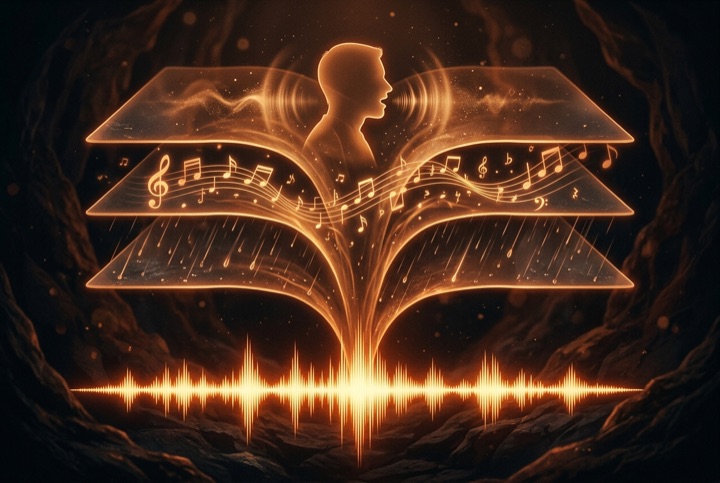
What counts as a sound scene
A sound scene is everything a listener hears at once: dialogue with emotion and accent, background music that matches the mood, room ambience like rain or crowd murmur, and foley effects tied to the action. Traditional tools produce these layers separately; the Seed Audio 1.0 audio generator composes them together from one prompt, already balanced, up to about two minutes per take.
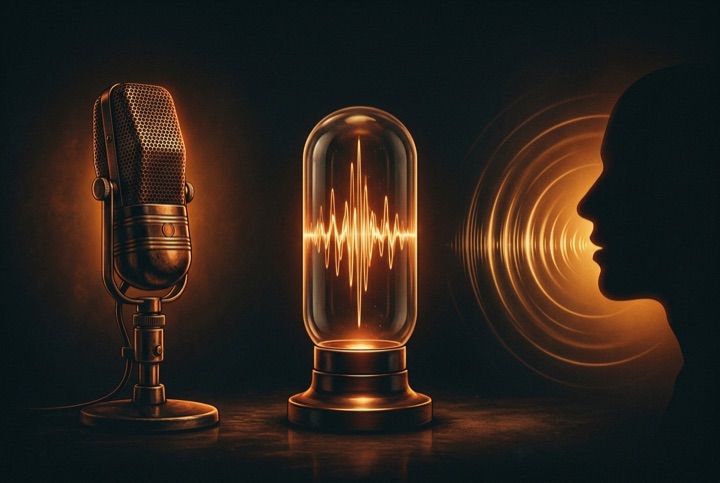
Voices: presets, clones and faces
Three ways to cast a voice. Pick from 40 preset text to speech voices across 10 languages. Clone a real voice from up to three 30-second clips and direct it inline as @Audio1–3 — Seed Audio keeps its timbre consistent take after take. Or upload a single character image and let the model infer a matching voice, a capability few audio generators offer at all.
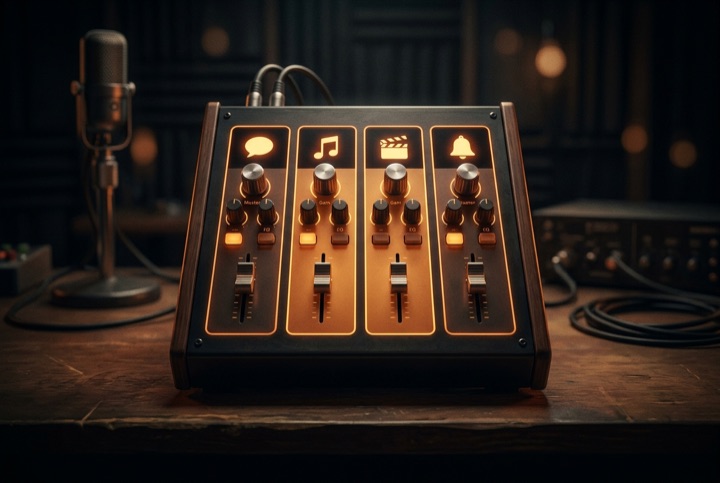
Beyond scenes: speech, music, SFX
Not every job needs a full sound scene. The same workbench switches to plain text to speech for narration at a fraction of the credits, an AI song generator for vocal tracks, a background music generator for instrumentals up to five minutes, and a sound effects generator with a free library of 100+ ready samples. One prompt box, four kinds of audio.

Credits, formats and ownership
Everything shares one credit pool: sign-up credits are enough to hear a real sound scene before you pay. Outputs download as MP3, with WAV and Opus for scene audio. Whatever you generate is yours — publish it, monetise it, or share it with a public page and embed player. No watermarks, no walled garden.
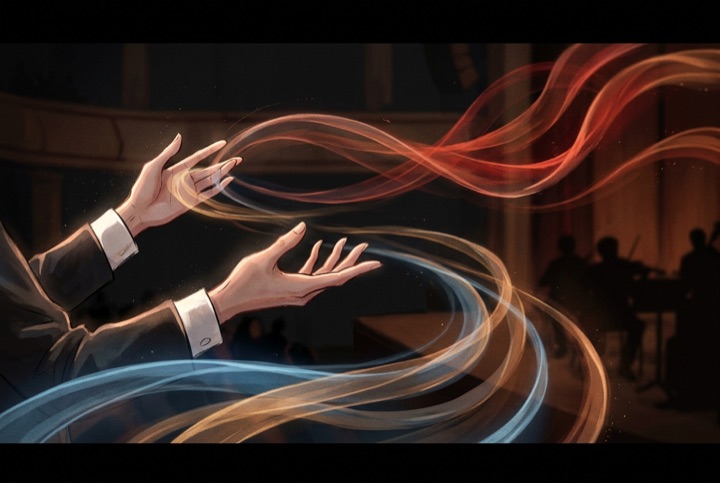
Emotion, pacing and direction
Most audio generators expose sliders; this one takes direction in plain language. Write that a host whispers, hesitates, then laughs, and the sound scene follows the script. In text to speech mode, a separate voice instruction shapes tone, emotion and pace without ever being read aloud, so the same script can play as a bedtime story or a news bulletin.
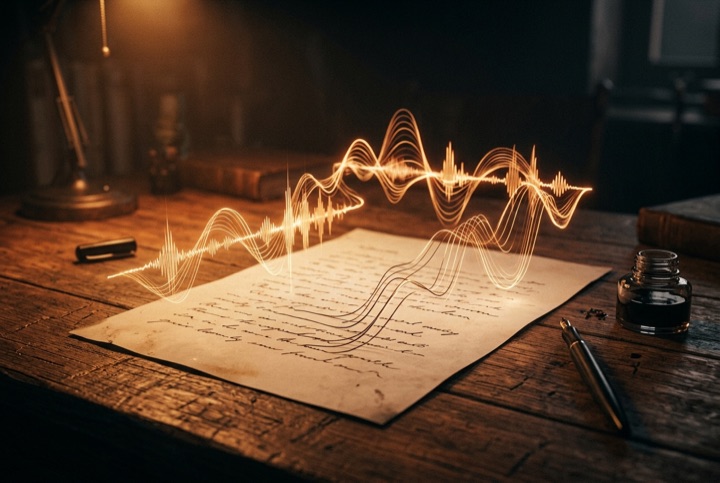
Writing prompts that sound better
The best sound scene prompts read like camera directions for the ear: name each speaker and their mood, place the room (a tiled kitchen echoes, a car interior is dry), call out the ambience layer, and let the audio generator handle the mix. Our prompting guide collects eight worked examples, from a two-voice audio drama to game sound effects with looping ambience.
Frequently asked questions
Built for the way audio actually gets made
A podcaster drafts a cold open with rain ambience and a cloned host voice, listens, extends the sound scene into a full intro, and downloads the WAV before the coffee is done. A game developer batches sound effects in the morning and scores a trailer with the background music generator after lunch. A novelist turns chapter one into an audiobook sample with one consistent narrator across every extended take.
That is the promise of sound scene generation: not a stack of disconnected tools, but one place where a sentence becomes a finished mix. Type your first sound scene above, play the demo track, or browse a hundred free sound effects — the fastest way to understand Seed Audio is to hear it.